When you are in Outlook and you want to open up a shared calendar, do the following...
Click on the Calendar tab on the left. (Second from the top)
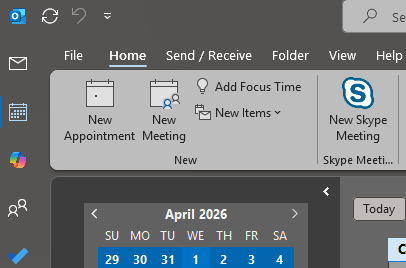
Across the top ribbon, find "Add Calendar" and "Share Calendar".
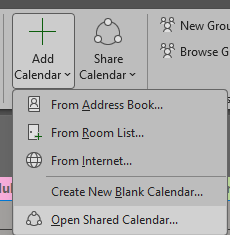
Click on "Add Calendar", and then "Open Shared Calendar".
Click on "Name" and change the Address Book to "Global Address List".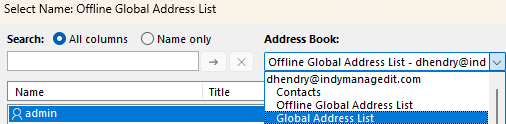
Look for the name of your Shared Calendar. For example: "MyCompany-SharedCalendar"
Select it, by double clicking it or selecting and hitting OK.
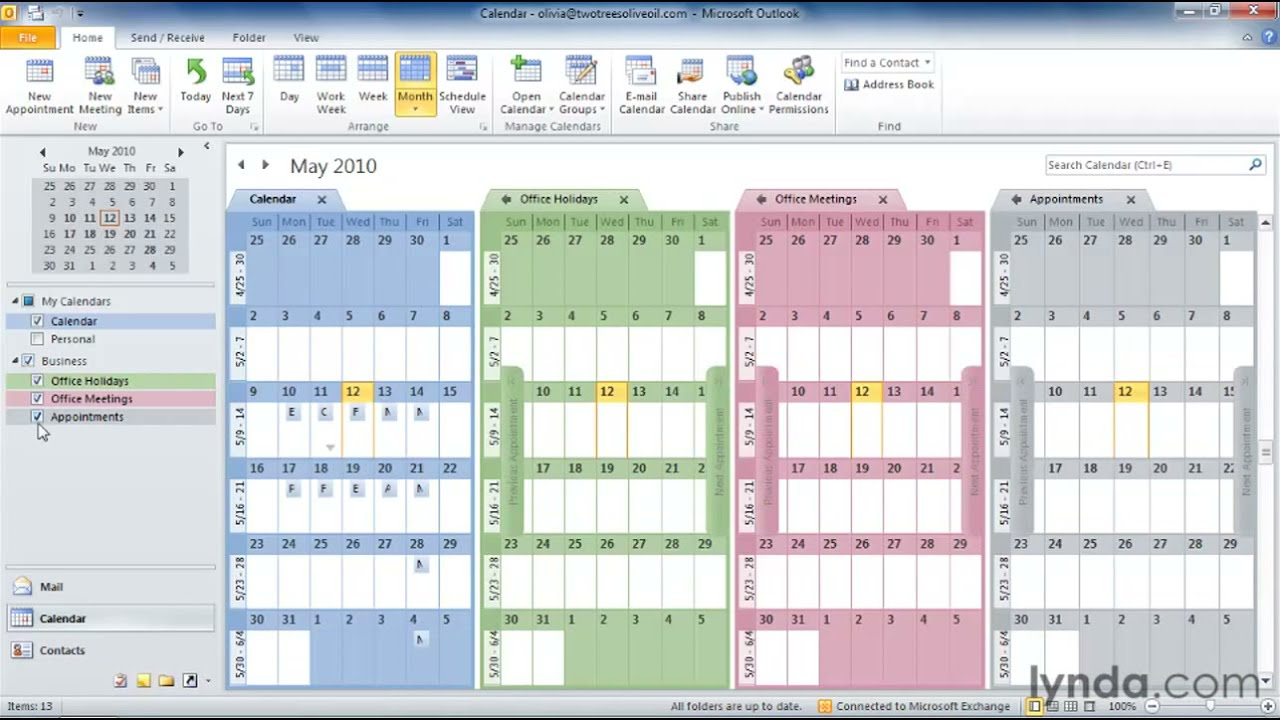
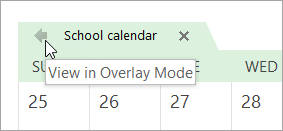
To do "Overlay Mode" where all calendars appear on the same calendar (even though they are seperate)
They stay separate by colors for organizational purposes. Click the arrow left.