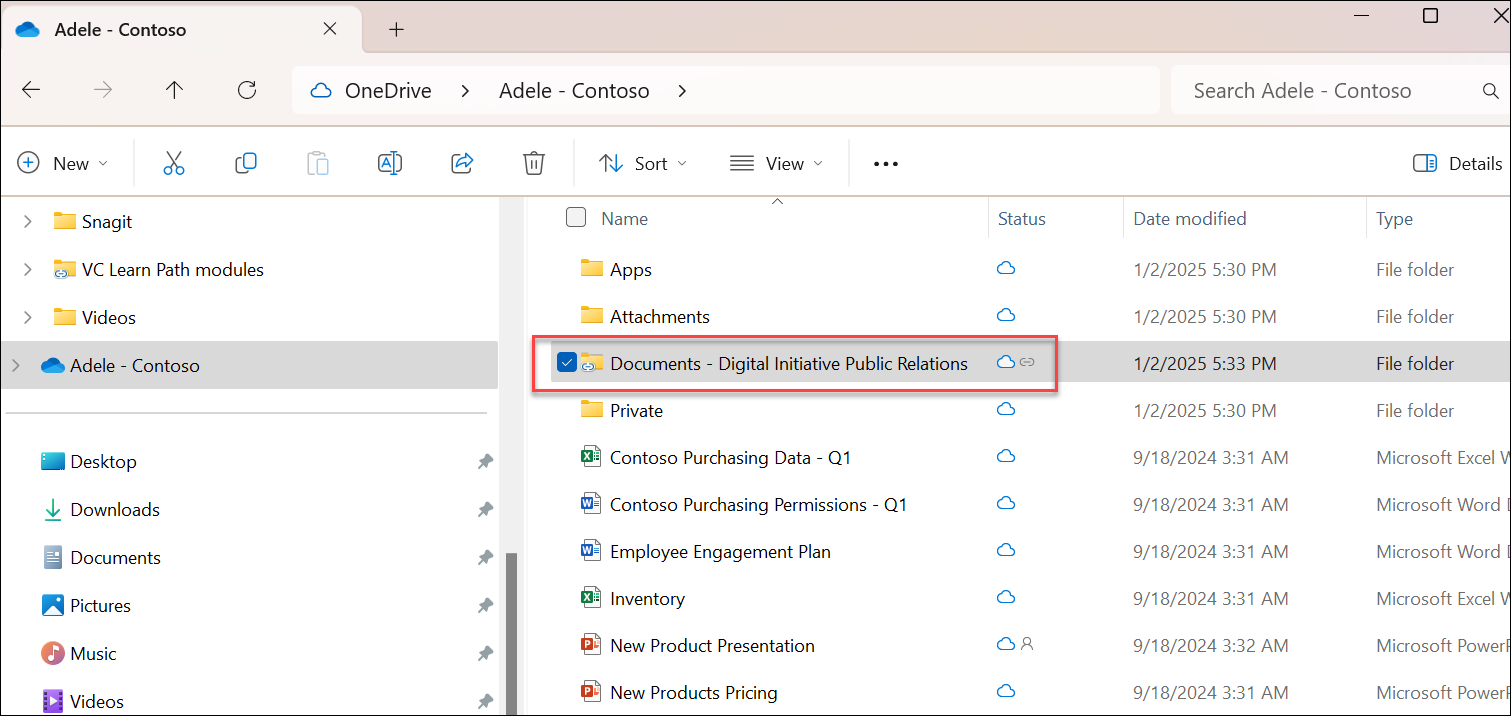
SharePoint Shortcut within File Explorer
Add shortcut to My files (adding OneDrive shortcuts) allows content to be accessed on all devices. Additionally, (OneDrive) shortcuts offer improved performance versus using the sync button. Therefore, we recommend Adding shortcut to My files (OneDrive) as the most versatile option when available.
To add shortcut to My files in OneDrive, follow these steps:
Sign into the SharePoint site you want to sync files and folders from.
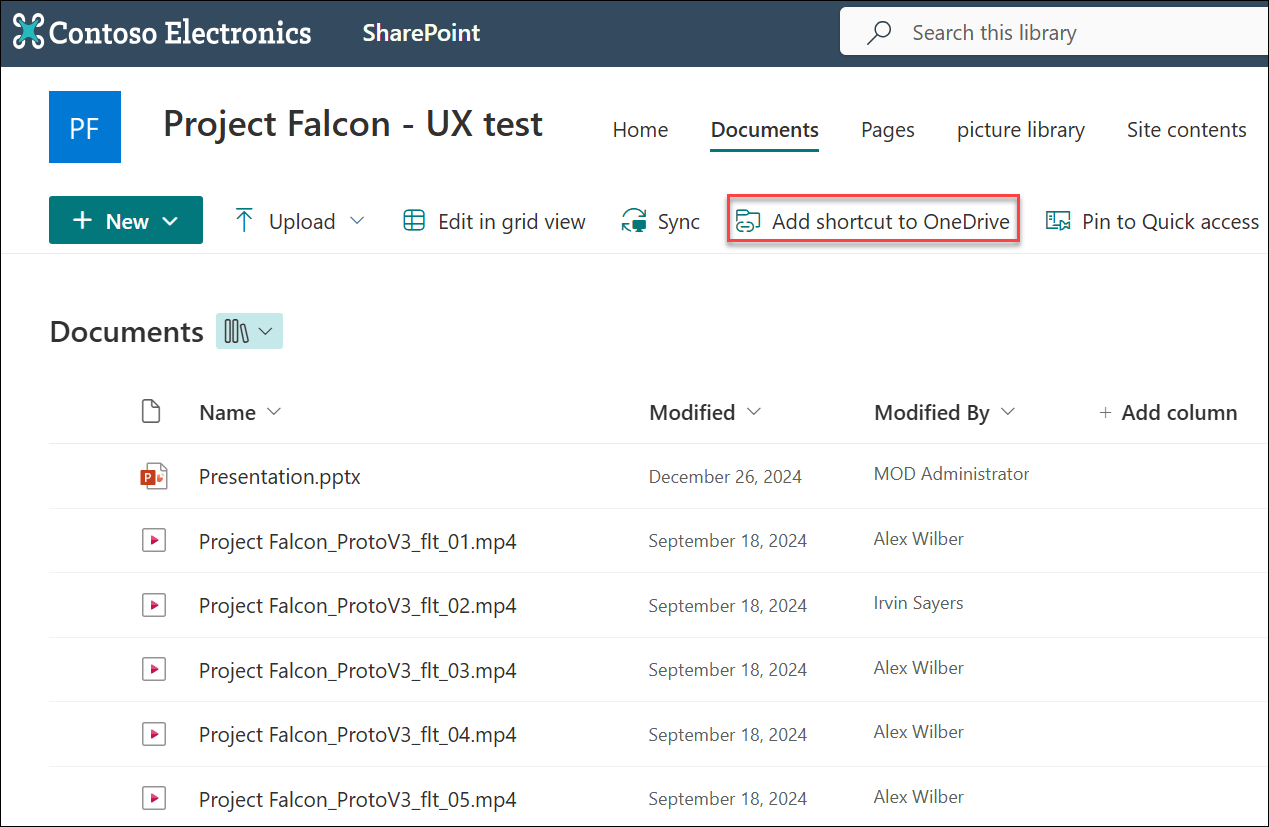
Select the library where your files and folders are. Then select Add shortcut to OneDrive.
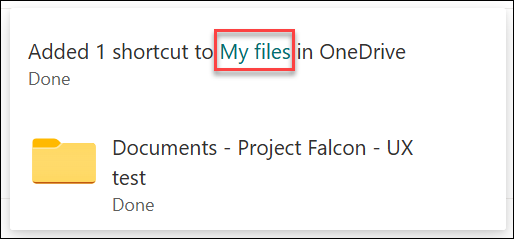
A message will appear after the shortcut is created. Select My files to view the newly added shortcut to your files and folders.
After adding shortcut to OneDrive, you can now view your SharePoint files and folder in File Explorer via OneDrive.